
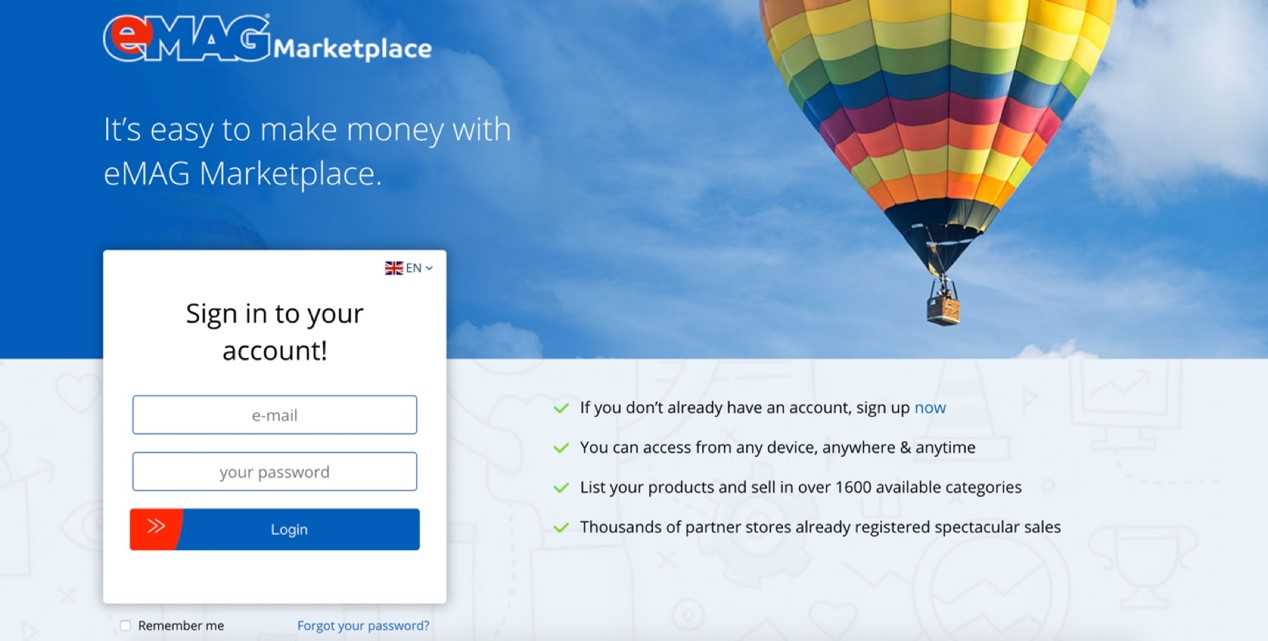
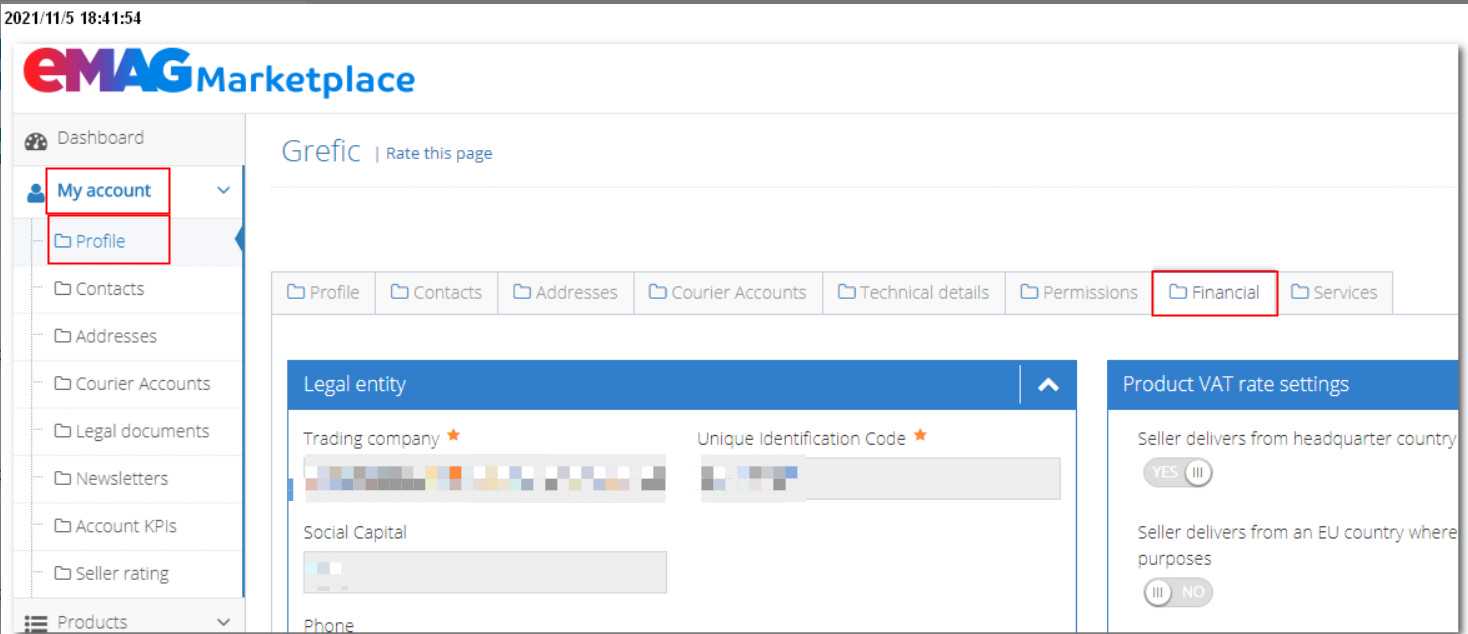
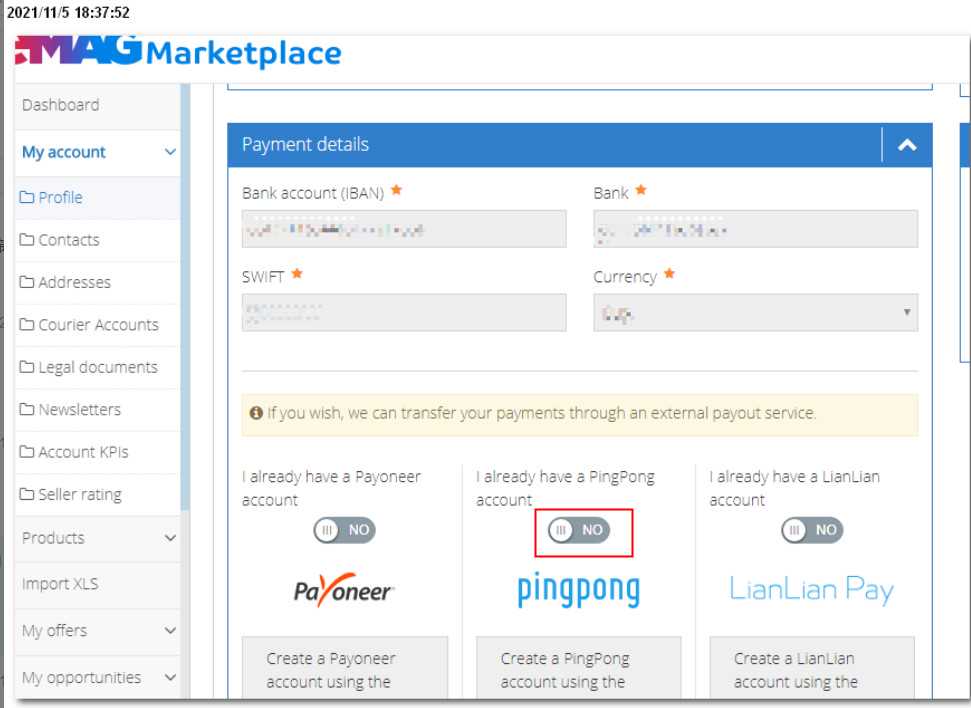
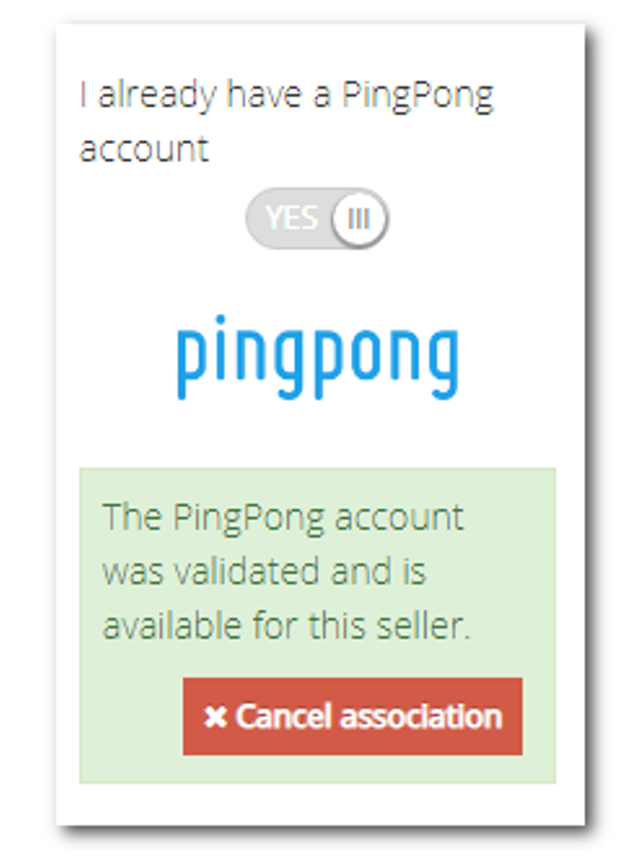
导读:一、点击PingPong右上角--申请收款服务--添加eMAG店铺,点击前往eMAG后台绑定二、登录eMAG卖家后台三、从PingPong跳转到eMAG后,页面左侧菜单【Myaccount-Profile】,在右侧菜单中选择【Financial】,【Financial】标签页下方,有【paymentdetails】。四、选中PingPong,PingPong上方要修改为【yes】按钮,再点击下面的【Associate/requestyourPingpongaccounttoEMAG】,跳转到PingPong绑定页面五、最终绑定成功PingPong账号


 使用【微信】扫一扫加好友